Данный проект является учебной работой студента Школы дизайна или исследовательской работой преподавателя Школы дизайна. Данный проект не является коммерческим и служит образовательным целям
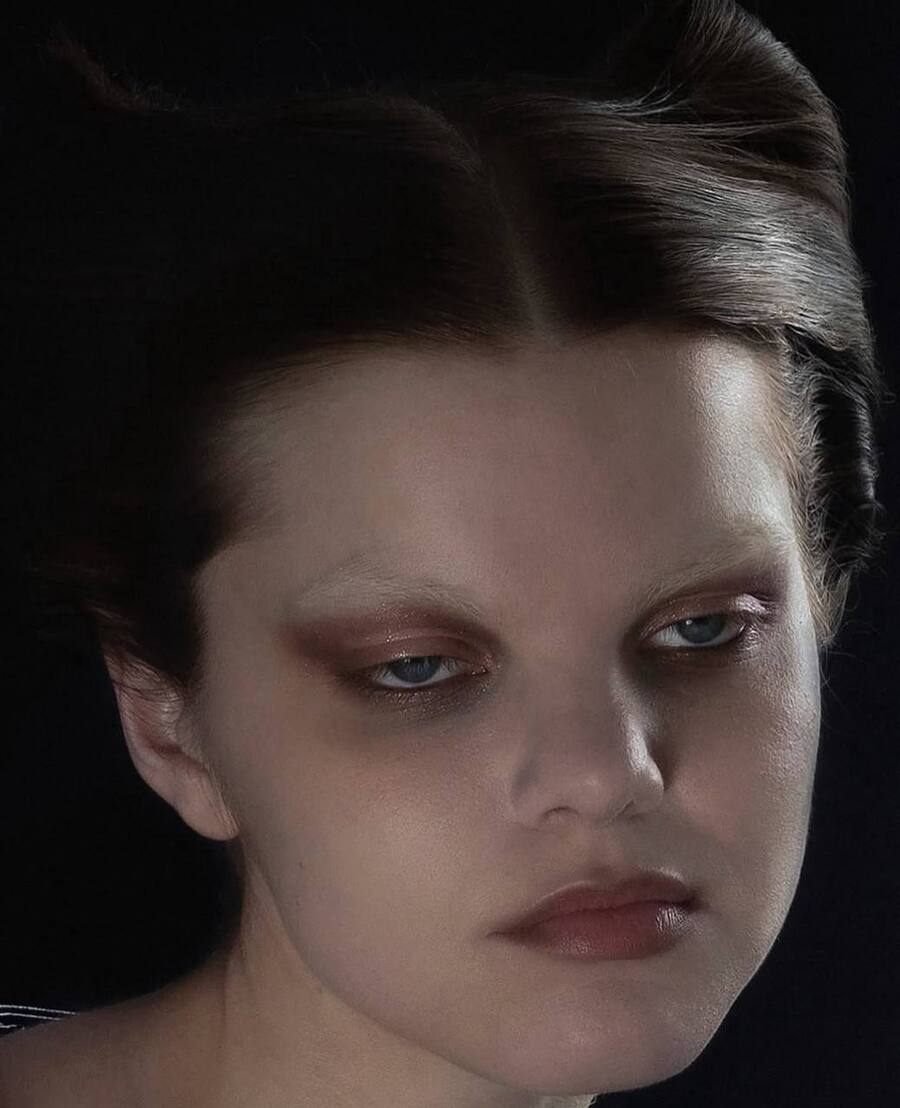
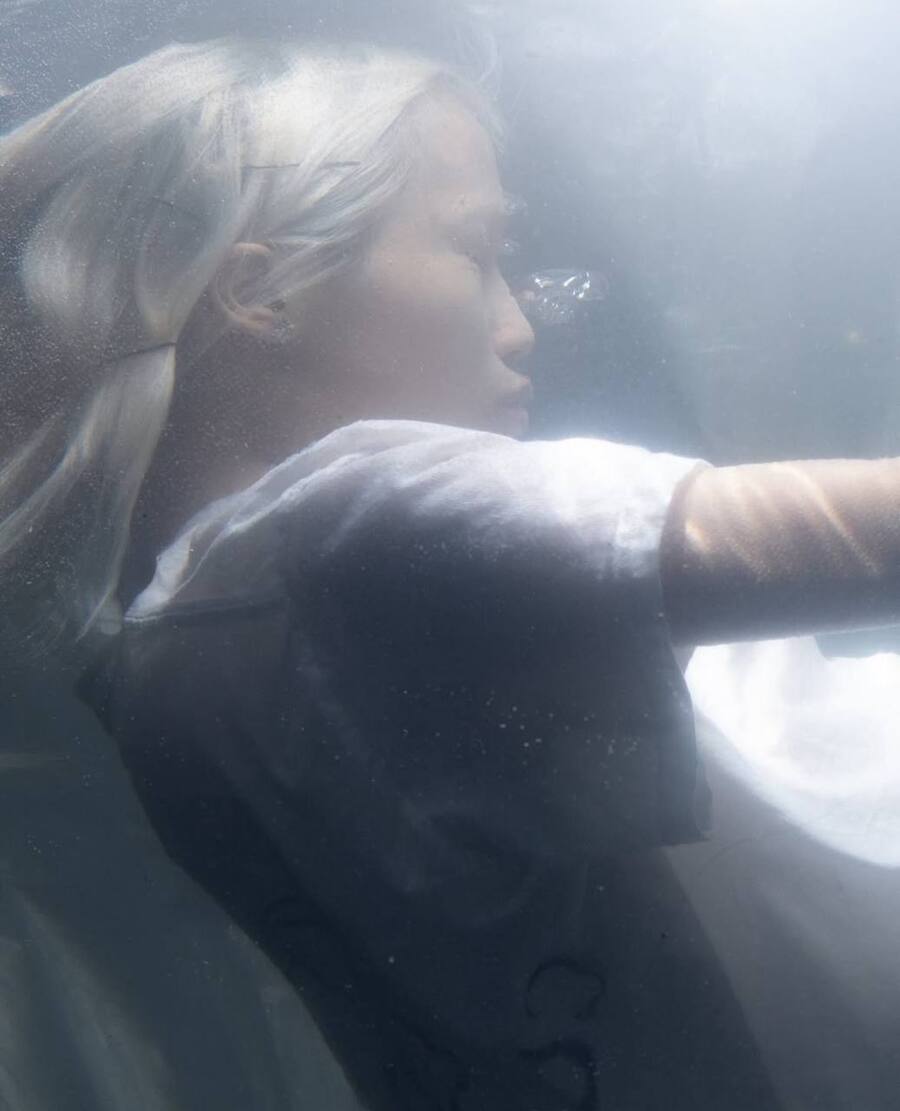
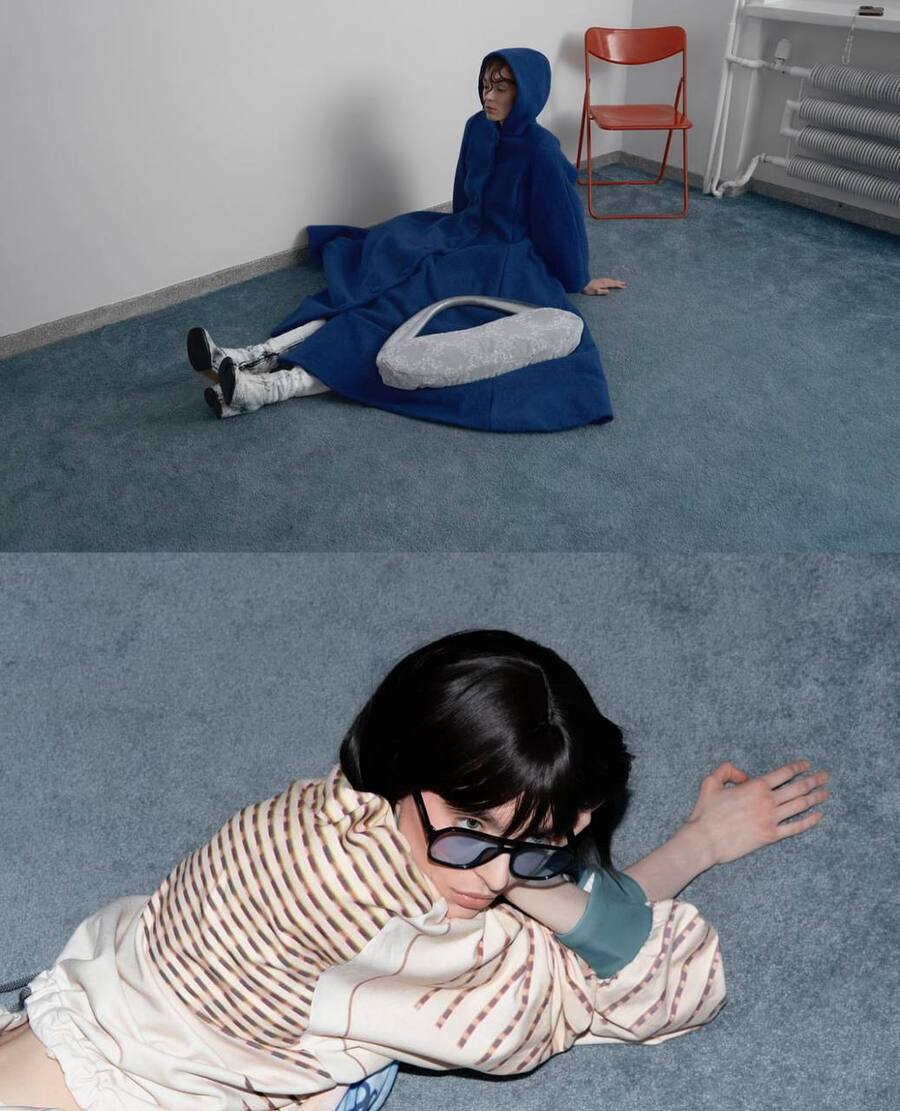
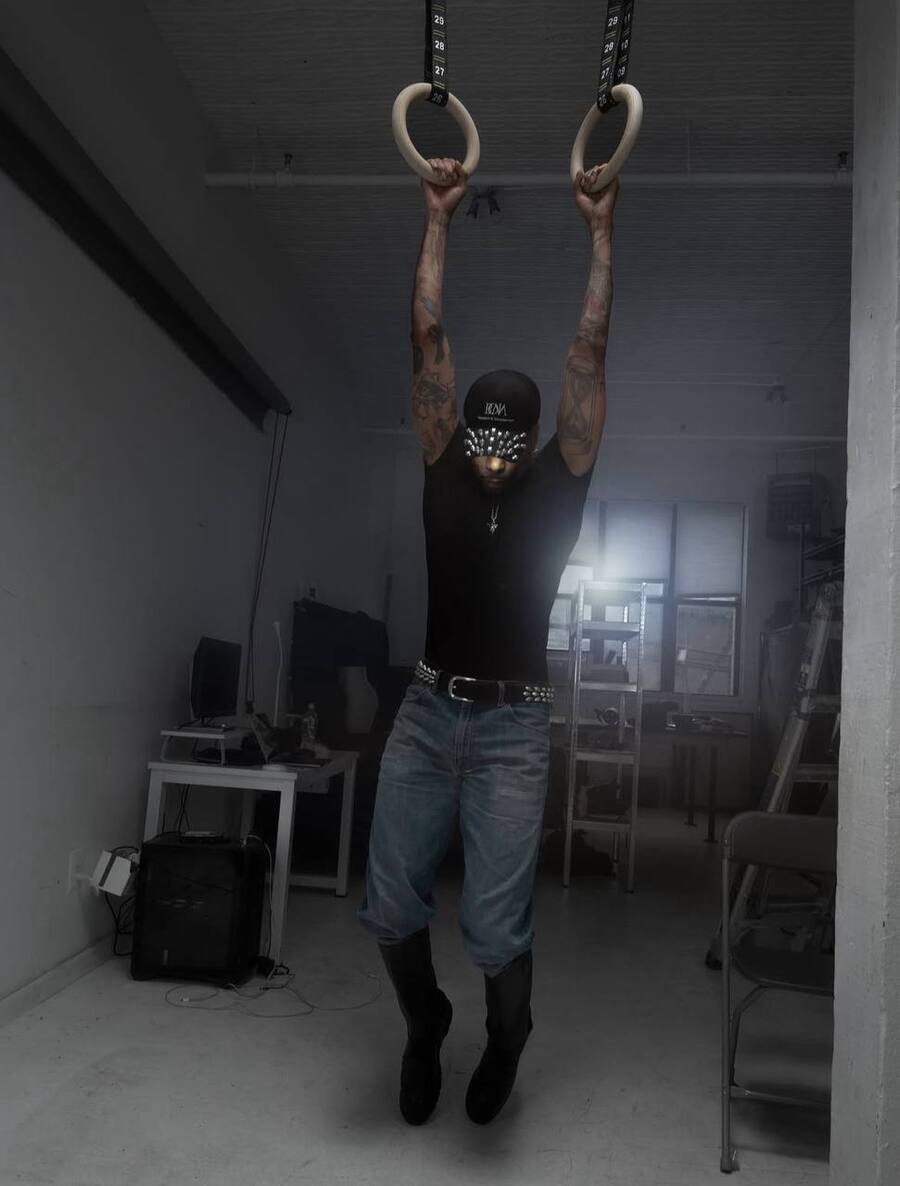
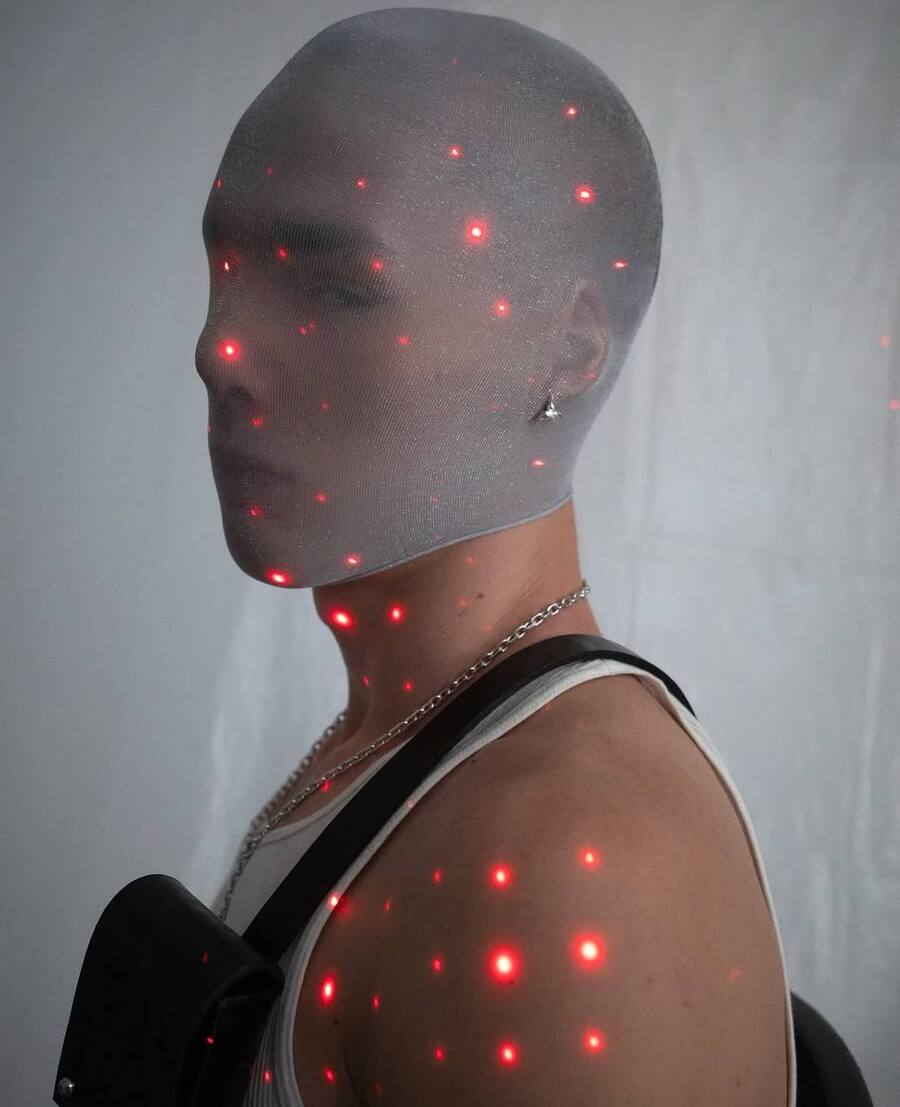
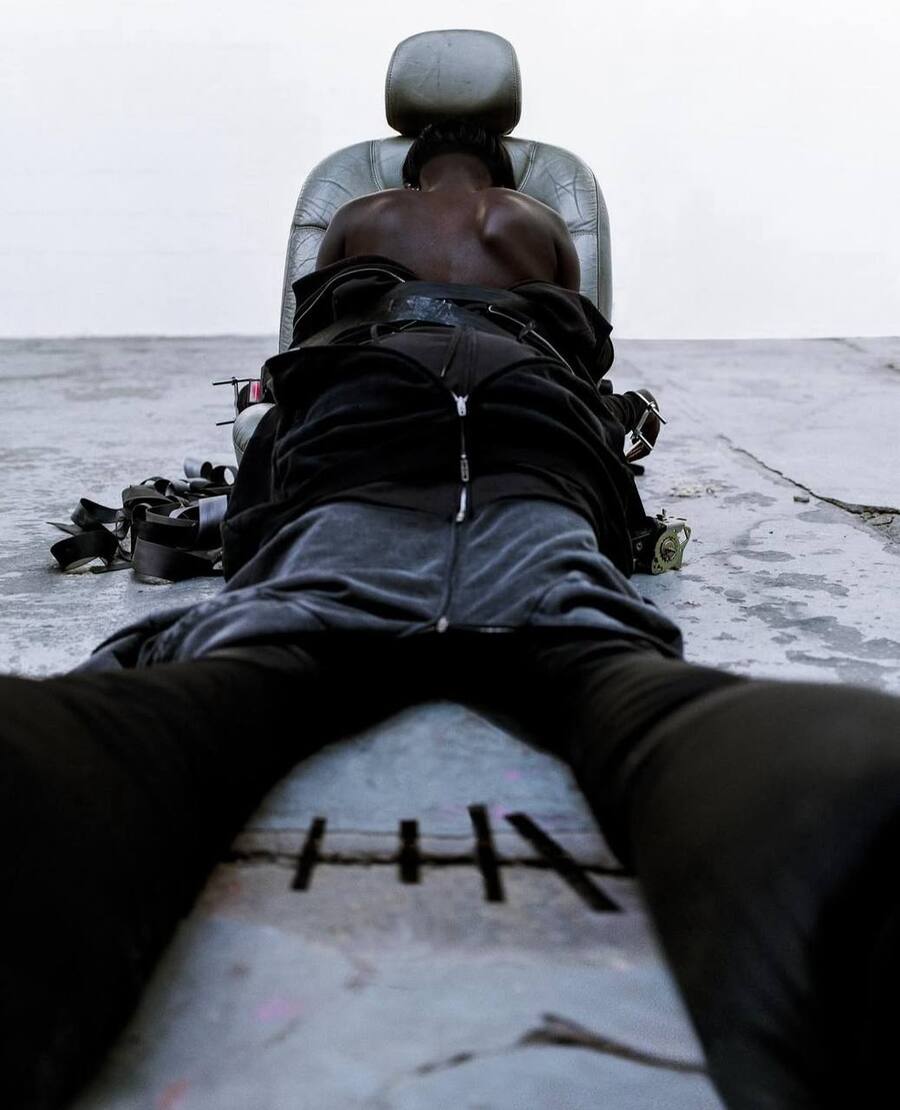
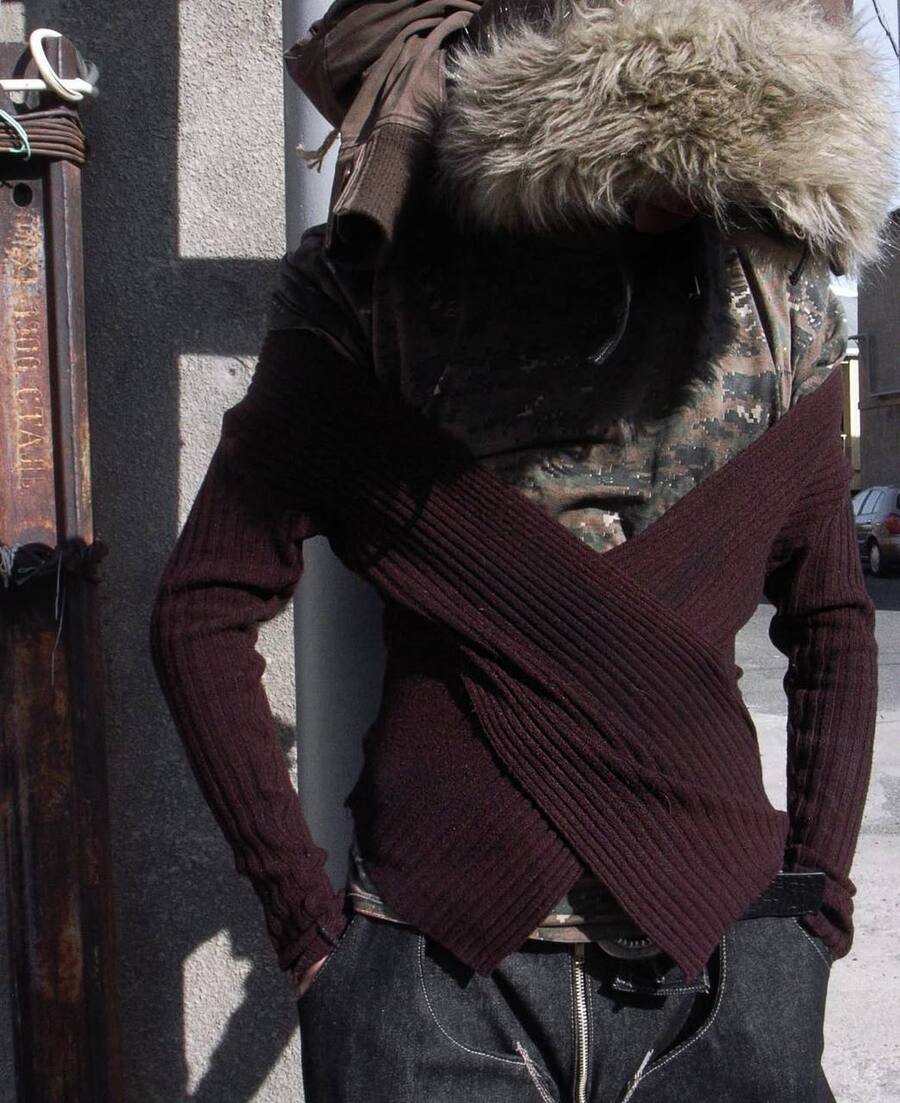
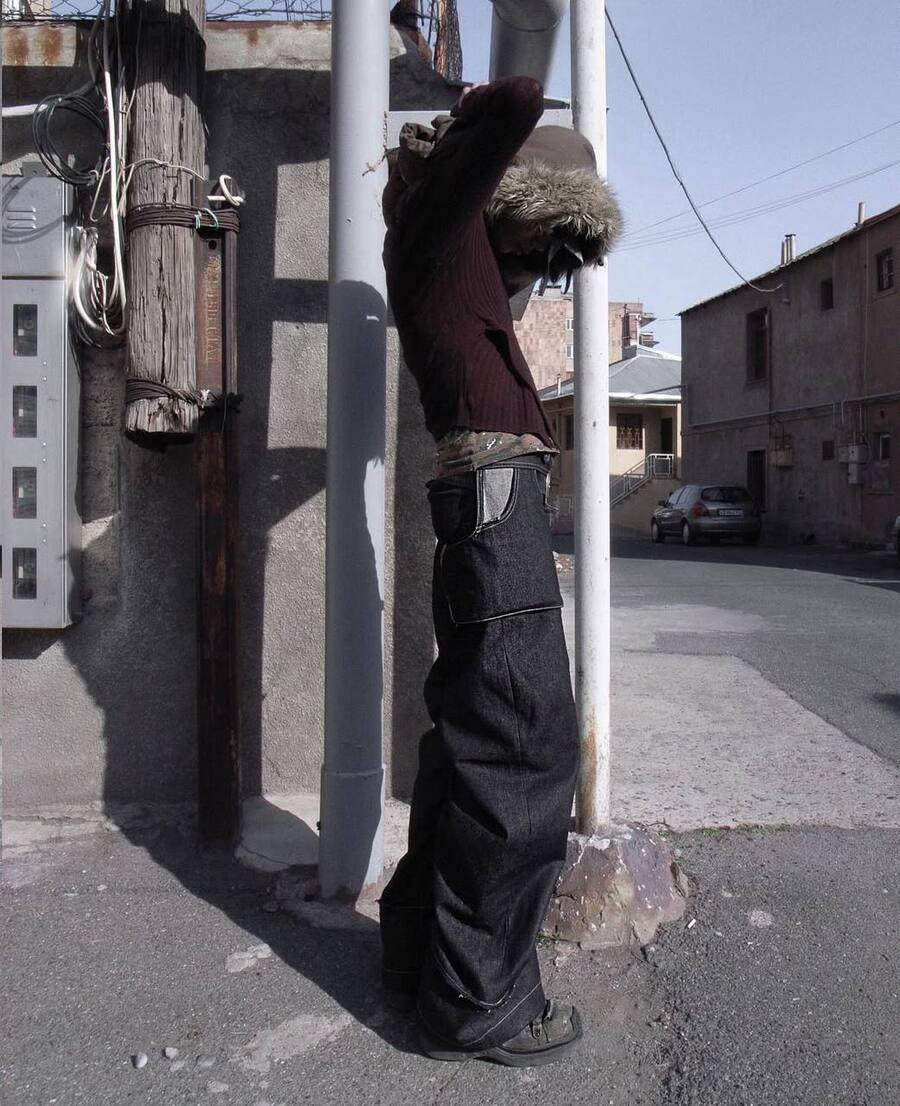
Тело подается не как персонаж с эмоциями, а как конструкция, застывшая и фиксированная поза, у которой нет ни цели, ни эмоций, ни характера
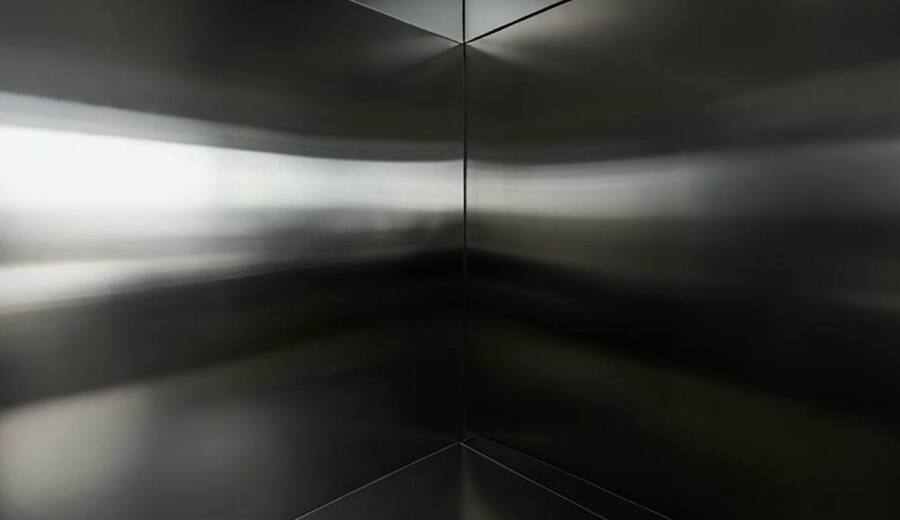
Остаются только чистая форма и отстранение
Исходный размер 2475x154
Исходный размер 3508x1754
bomiworks
bettinanuwendam
Эстетика отчуждения сформировалась как ответ на гламурное перепроизводство желания и гипер-видимость тела, предложив вместо притяжения стратегию дистанции, нечитаемости и отказа от идентификации
Исходный размер 2476x286
glumkimberly
Исходный размер 3508x1754
ioannes.papadakis
Человек в кадре выглядит как единица данных, а не субъект
Исходный размер 2481x576
bomiworks
Исходный размер 3508x1754
djil0vey0u
Исходный размер 3508x1754
7.9999a
bomiworks
Авторы визуализируют состояние, когда субъект выходит за пределы человеческого
Исходный размер 2480x495
Исходный размер 3508x1754
7.9999a
vik_meh
Исходный размер 3508x1754
aprilveahcu
bomiworks
Исходный размер 3508x1754
benjamintayl0r
abublunt
Отчуждение переводит тело в нейтральную зону, где оно не обязано нравиться или объясняться
Исходный размер 2469x570
Исходный размер 3508x1754
abublunt
tv11097
Исходный размер 3508x1754
tv11097
aprilveahcu
Исходный размер 3508x1754
svetaspirit
svetaspirit
Исходный размер 3508x1754
svetaspirit
_____neva
Исходный размер 3508x1754
bae70000000
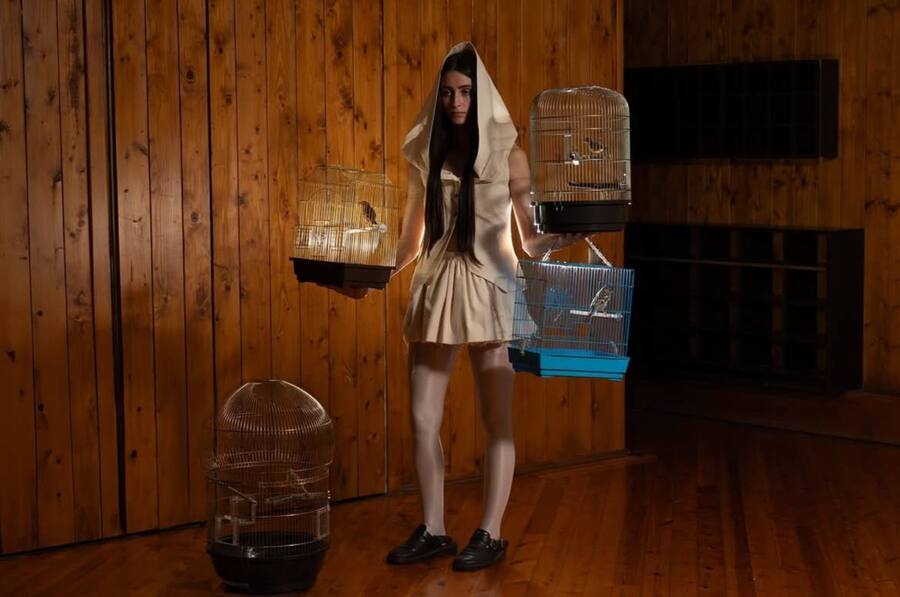
Образ не отталкивает, но и не пускает внутрь
Зритель остается рядом, но без доступа к внутреннему состоянию
Мы используем файлы cookies для улучшения работы сайта и большего удобства его использования. Более подробную информац...
Показать больше
Press space bar to start a drag.
When dragging you can use the arrow keys to move the item around and escape to cancel.
Some screen readers may require you to be in focus mode or to use your pass through key
Press space bar to start a drag.
When dragging you can use the arrow keys to move the item around and escape to cancel.
Some screen readers may require you to be in focus mode or to use your pass through key
Press space bar to start a drag.
When dragging you can use the arrow keys to move the item around and escape to cancel.
Some screen readers may require you to be in focus mode or to use your pass through key
Press space bar to start a drag.
When dragging you can use the arrow keys to move the item around and escape to cancel.
Some screen readers may require you to be in focus mode or to use your pass through key
Press space bar to start a drag.
When dragging you can use the arrow keys to move the item around and escape to cancel.
Some screen readers may require you to be in focus mode or to use your pass through key
Press space bar to start a drag.
When dragging you can use the arrow keys to move the item around and escape to cancel.
Some screen readers may require you to be in focus mode or to use your pass through key
Press space bar to start a drag.
When dragging you can use the arrow keys to move the item around and escape to cancel.
Some screen readers may require you to be in focus mode or to use your pass through key
Press space bar to start a drag.
When dragging you can use the arrow keys to move the item around and escape to cancel.
Some screen readers may require you to be in focus mode or to use your pass through key
Press space bar to start a drag.
When dragging you can use the arrow keys to move the item around and escape to cancel.
Some screen readers may require you to be in focus mode or to use your pass through key
Press space bar to start a drag.
When dragging you can use the arrow keys to move the item around and escape to cancel.
Some screen readers may require you to be in focus mode or to use your pass through key
Press space bar to start a drag.
When dragging you can use the arrow keys to move the item around and escape to cancel.
Some screen readers may require you to be in focus mode or to use your pass through key
Press space bar to start a drag.
When dragging you can use the arrow keys to move the item around and escape to cancel.
Some screen readers may require you to be in focus mode or to use your pass through key
Press space bar to start a drag.
When dragging you can use the arrow keys to move the item around and escape to cancel.
Some screen readers may require you to be in focus mode or to use your pass through key
Press space bar to start a drag.
When dragging you can use the arrow keys to move the item around and escape to cancel.
Some screen readers may require you to be in focus mode or to use your pass through key
Press space bar to start a drag.
When dragging you can use the arrow keys to move the item around and escape to cancel.
Some screen readers may require you to be in focus mode or to use your pass through key